Our Training Programs
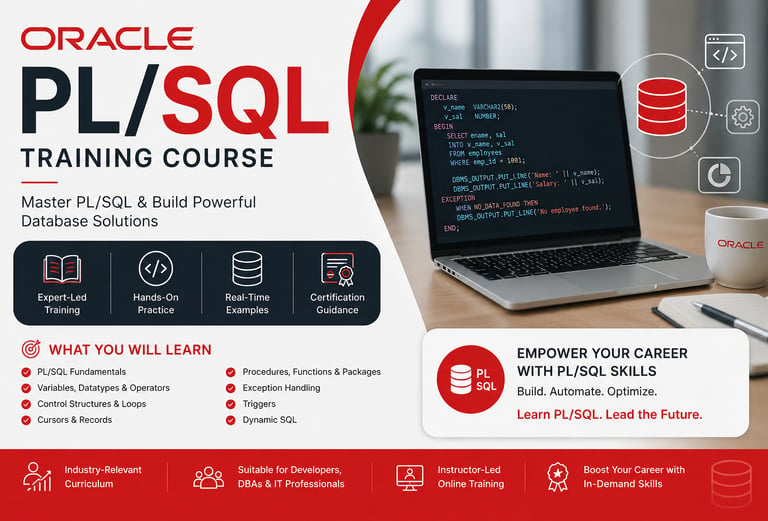
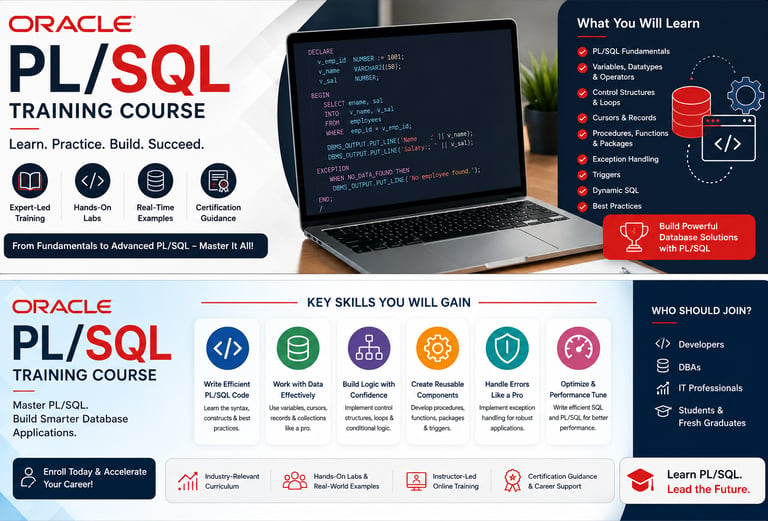
Oracle PL/SQL Training Course Outline
PL/SQL (Procedural Language for SQL)
Module 1: Programming Fundamentals & PL/SQL Introduction
• Overview of Programming Languages
• Introduction to Oracle PL/SQL
• Key Benefits and Features of PL/SQL
• Understanding PL/SQL Architecture
• PL/SQL Data Types
• Variables and Constants
• Working with Built-in Functions
• Conditional and Unconditional Statements
• IF, IF-ELSE, Nested IF-ELSE, and IF-ELSE Ladder
• CASE Statements, GOTO, Labels, and EXIT Statements
Module 2: Iterative Processing & SQL Integration
• Looping Techniques in PL/SQL
• Simple LOOP, WHILE LOOP, FOR LOOP, and Nested Loops
• Executing SQL Statements within PL/SQL Blocks
• Composite Data Types and Collections
Module 3: Cursor Management
• Introduction to Cursors
• Implicit Cursors
• Explicit Cursors
• Cursor Attributes
• Parameterized Cursors
• Cursors with Loops
• Nested Cursors
• Cursors with Subqueries
• REF Cursors
• Records and PL/SQL Table Types
Module 4: Advanced PL/SQL Programming
• Creating and Managing Stored Procedures
• Procedures with IN, OUT, and IN OUT Parameters
• Positional and Named Notation
• Procedures Using Cursors
• Modifying and Dropping Procedures
Module 5: Functions in PL/SQL
• Creating User-Defined Functions
• Differences Between Procedures and Functions
• Nested Functions
• Using Stored Functions in SQL Statements
Module 6: Packages
• Package Specifications and Package Bodies
• Public and Private Package Objects
• Best Practices for Package Development
Module 7: Exception Handling
• Overview of Exception Handling
• Predefined Exceptions
• User-Defined Exceptions
• Using RAISE_APPLICATION_ERROR
• PRAGMA AUTONOMOUS_TRANSACTION
• Understanding SQL Error Codes and Messages
Module 8: Database Triggers
• Introduction to Database Triggers
• Types of Triggers
• Row-Level Triggers
• Statement-Level Triggers
• DDL Triggers
• Trigger-Based Auditing Techniques
Course Outcome
By the end of this training, participants will be able to design, develop, debug, and optimize PL/SQL programs, manage database objects efficiently, implement exception handling, and build enterprise-grade database applications using Oracle PL/SQL.
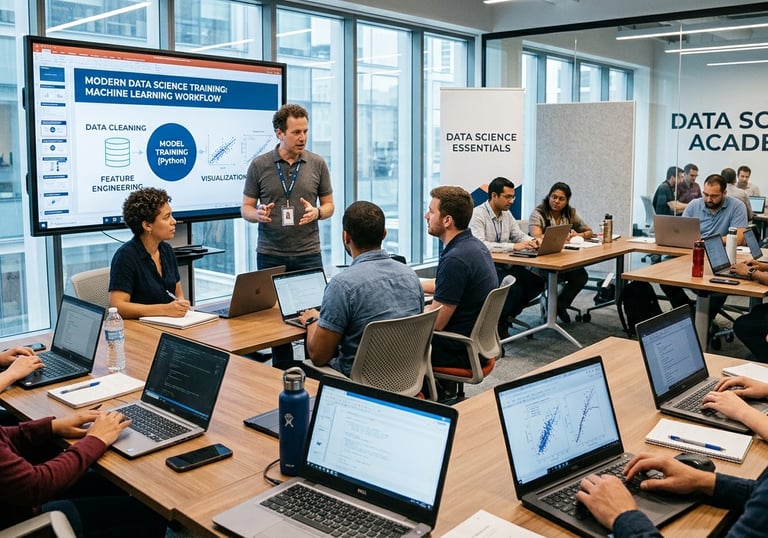
Data Science Course Details
1) Preparatory Session - Linux and Python
2) Data Wrangling with SQL
3) Python With Data Science
4) Linear Algebra and Advanced Statistics
5) Machine Learning
6) Supervised Leaning
7) Unsupervised learning
8) Deep Learning Using TensorFlow
9) Data Science Capstone Project,
10) Business Case Studies
11) Generative AI
12) Power BI Elective, ,
13) Deploying Machine Learning Models With Cloud (Elective)
14) Git (Elective)
15) Advanced Certification in Data Science and AI
Module 1: Preparatory Sessions – Python & Linux
Python
Introduction to Python and IDEs
Python Basics
Object Oriented Programming
Hands-on Sessions And Assignments for Practice
Linux
Introduction to Linux
Linux Basics
Hands-on Sessions And Assignments for Practice
Module 2: Data Wrangling with SQL
SQL Basics
Advanced SQL
Deep Dive into User Defined Functions
SQL Optimization and Performance
Module 3: Python With Data Science
Data Handling with NumPy
Data Manipulation Using Pandas
Data Preprocessing
Data Visualization
Module 4: Linear Algebra and Advanced Statistics
Descriptive Statistics
Probability
Inferential Statistics
Linear Algebra
Module 5: Machine Learning
Introduction to Machine learning
Regression
Classification
Clustering
Module 6: Supervised Learning
Linear Regression
Logistic Regression
Decision Tree
Random Forest
Support Vector Machine
K-Nearest Neighbors
Time Series Forecasting
Performance Metrics
Classification reports
Confusion Matrix
Evaluation Matrix
Module 7: Unsupervised Learning
K-means
Dimensionality reduction
Linear Discriminant Analysis
Principal Component Analysis
Module 8: Deep Learning Using TensorFlow
Artificial Intelligence
Basics Neural Networks
Deep Learning
Module 9: Data Science Capstone Project
Extracting, loading and transforming data into usable format to gather insights.
Data manipulation and handling to pre-process the data.
Feature engineering and scaling the data for various problem statements.
Model selection and model building on various classification, regression
problems using supervised/unsupervised machine learning algorithms.
Assessment and monitoring of the model created using the machine learning
models.
Module 10: Business Case Studies
Recommendation Engine
Rating Predictions
Census
Housing
Object Detection
Stock Market Analysis
Banking Problem
AI Chatbot
Module 11: Generative AI
LSTM
Transformers
BERT
GPT
LLM
Module 12: Elective Power BI
Power BI Basics
DAX
Data Visualization with Analytics
Module 13: Deploying Machine Learning Models With Cloud
Introduction to MLOps
Deploying Machine Learning Models
Module 14: GIT
Version Control
GIT
Module 15: Data Analysis With MS-Excel Excel
Fundamentals Excel
ExcelFor Data Analytics
Data Visualization with Excel
Excel Power Tools
Classification Problems using Excel
Information Measure in Excel
Regression Problems Using Excel
Hands-on Exercise




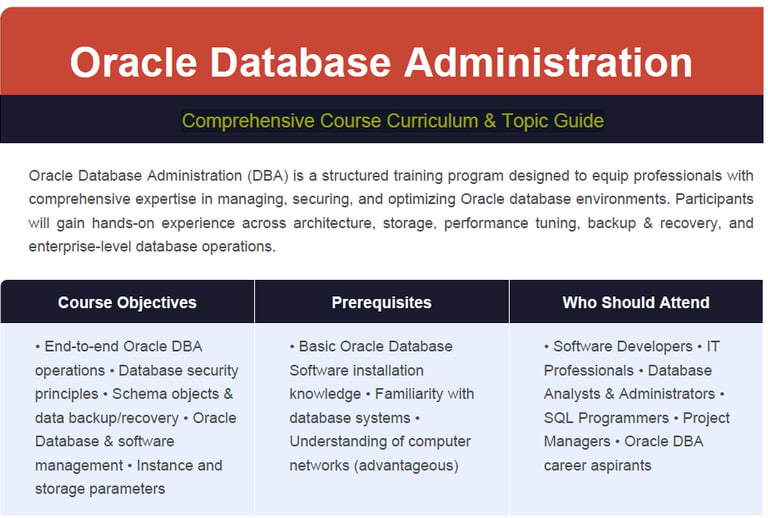
Oracle Database Administration
Comprehensive Course Curriculum & Topic Guide
1. Oracle Database Architecture
• Overview of Oracle Database and ASM architecture
• Process architecture and memory structures
• Logical and physical storage structures
• ASM storage components
2. Installing Oracle Software
• Roles and responsibilities of an Oracle DBA
• Administrative tools and system requirements
• Oracle Universal Installer (OUI)
• Installing Oracle Grid Infrastructure and Database Software
• Silent installation procedures
3. Creating an Oracle Database
• Database planning and design considerations
• Using DBCA to create and delete databases
• Password management and security templates
• Creating database design templates
4. Managing the Oracle Instance
• Starting and stopping the Oracle database and its components
• Using Oracle Enterprise Manager and SQL*Plus
• Modifying initialization parameters
• Understanding database startup stages and shutdown options
• Viewing alert logs and dynamic performance views
• Managing the ASM instance and disk groups
5. Configuring the Oracle Network Environment
• Creating and configuring the Listener via Enterprise Manager
• Enabling Oracle Restart for listener monitoring
• Testing Oracle Net connectivity using tnsping
• Choosing between shared and dedicated server configurations
6. Managing Database Storage Structures
• Understanding storage structures and table data storage
• Anatomy of a database block
• Space management within tablespaces
• Working with tablespaces in preconfigured databases
• Oracle Managed Files (OMF)
7. Administering User Security
• Managing database user accounts and administrative profiles
• Understanding and implementing roles
• Predefined administrative accounts and roles
• Implementing and managing user profiles
8. Managing Data Concurrency
• Data concurrency fundamentals and the enqueue mechanism
• Resolving lock conflicts and handling deadlocks
9. Managing Undo Data
• Understanding transactions and undo data
• Differentiating undo data from redo data
• Configuring and managing undo retention
10. Oracle Database Auditing
• DBA responsibilities for database security
• Enabling and configuring standard database auditing
• Specifying and reviewing audit options
• Maintaining the audit trail
11. Performance Management
• Managing optimizer statistics and the Automatic Workload Repository (AWR)
• Using the Automatic Database Diagnostic Monitor (ADDM)
• Advisory framework and alert thresholds
• Server-generated alerts and automated task management
• Monitoring and managing memory components
• Enabling Automatic Memory Management (AMM) and memory advisors
• Analyzing dynamic performance statistics and tuning views
• Identifying and resolving invalid and unusable objects
12. Backup and Recovery Concepts
• Understanding statement failures, user errors, and instance recovery
• Phases of instance recovery and the MTTR Advisor
• Handling media failures and archive log files
13. Performing Database Backups with RMAN
• Overview of Oracle Secure Backup and user-managed backup
• Recovery Manager (RMAN) architecture and terminology
• Configuring backup settings and the Flash Recovery Area
• Monitoring the Flash Recovery Area
14. Database Recovery
• Opening a database and using the Data Recovery Advisor
• Recovering from control file and redo log file loss
• Identifying and listing data failures using DRA views
15. Data Movement and Replication
• Methods for moving data across environments
• Creating and using directory objects
• Loading data with SQL*Loader and external tables
• Oracle Data Pump architecture, export, and import
16. Working with Oracle Support
• Using the Enterprise Manager Support Workbench
• Logging and managing service requests (SRs)
• Applying and managing patches
17. Using the RMAN Recovery Catalog
• When to use the RMAN recovery catalog
• Creating, configuring, and synchronizing the recovery catalog
• Working with RMAN stored scripts
• Backing up the catalog and using a virtual private catalog
18. Configuring Backup Specifications
• Configuring backup settings and channel allocation
• Configuring backup optimization
19. RMAN Backup Operations
• Creating image file and whole database backups
• Fast incremental backup and duplex backup sets
• Archival backups for long-term retention
• Multisection, compressed, and encrypted backups
• Reporting on and maintaining backup history
20. User-Managed Backup and Recovery
• Recovering from lost TEMP files and redo log groups
• Recovering from password file loss
• Complete and incomplete database recovery (user-managed)
• Server-managed backups and control file backup/recovery
21. RMAN Recovery Operations
• Complete recovery from critical and non-critical data file loss
• Incomplete recovery and incrementally updated backups
• Switching to image copies for fast recovery
• Restoring a database onto a new host
• Recovering using a backup control file
22. RMAN Database Duplication
• Creating and utilizing a duplicate database using RMAN
23. Monitoring and Tuning RMAN
• Monitoring RMAN sessions and jobs
• Tuning RMAN performance
• Configuring RMAN for asynchronous I/O
ASM TOPICS
24. Automatic Storage Management (ASM)
• ASM fundamentals and initialization parameter configuration
• Starting up and shutting down ASM instances
• Administering ASM disk groups
25. ASM Storage Fundamentals
• Core ASM concepts and storage preparation
• ASM instance setup and disk group management
• Failure groups and redundancy configuration
• Monitoring, backing up, and managing disk groups
26. Database Management on ASM
• Creating and managing databases on ASM
• Basic architecture and storage concepts for ASM-based databases
ADVANCED RMAN TOPICS
27. Advanced RMAN Topics
• Backup strategies and Flash Recovery Area management
• RMAN architecture and backup components
• RMAN catalog setup and configuration
• Key RMAN commands and monitoring backup jobs
• Tuning RMAN jobs for optimal performance
• Restore and recovery operations using RMAN
• Database cloning using RMAN
• Troubleshooting RMAN issues and best practices